Gun Paint Planner·Updated September 28, 2026
Rattle Can Digital Woodland: History, Colors and Paint Jobs on Real Guns
Digital woodland is pixel camo in woodland colors, the look the Marines made famous with MARPAT in 2002. The idea goes back to a 1976 Army experiment. Here it is painted with real spray can colors on 12 real guns. Pick yours to open it in the planner, then reroll the layout or paint over it by hand.
Quick answer
- It takes 4 spray cans: Khaki, Woodland Light Green, Brown, Black.
- Spray it light to dark: Khaki first, Black last.
Cans and spray order from the Krylon and Rust-Oleum color charts, matched in GunPartPicker's paint planner.
Digital Woodland camo on 12 real guns
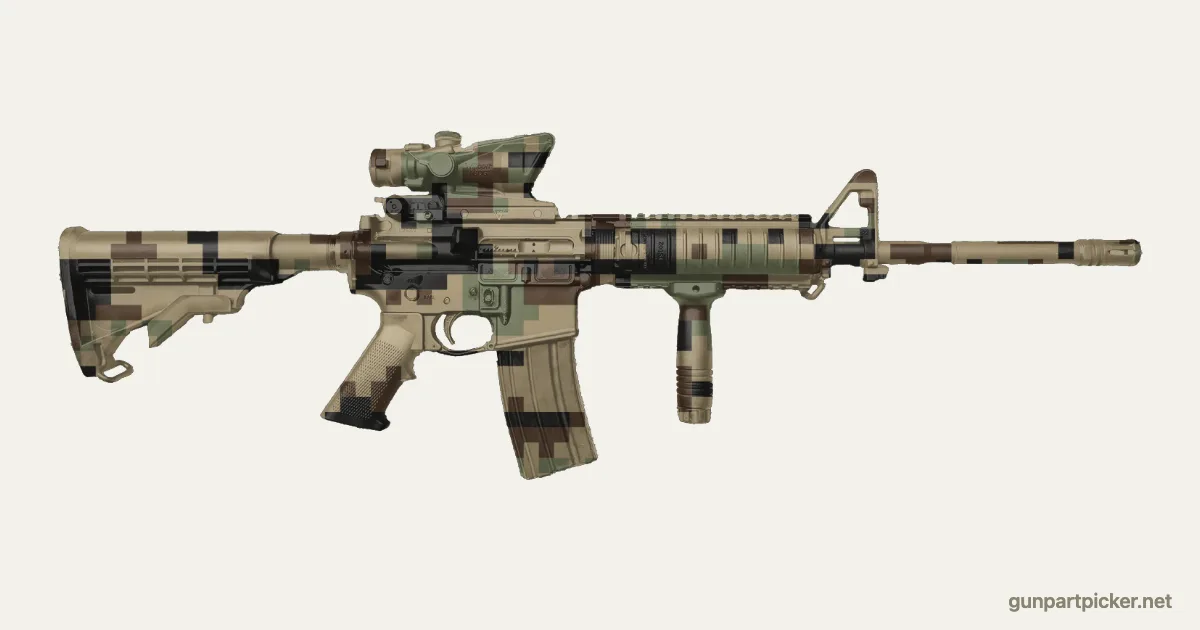
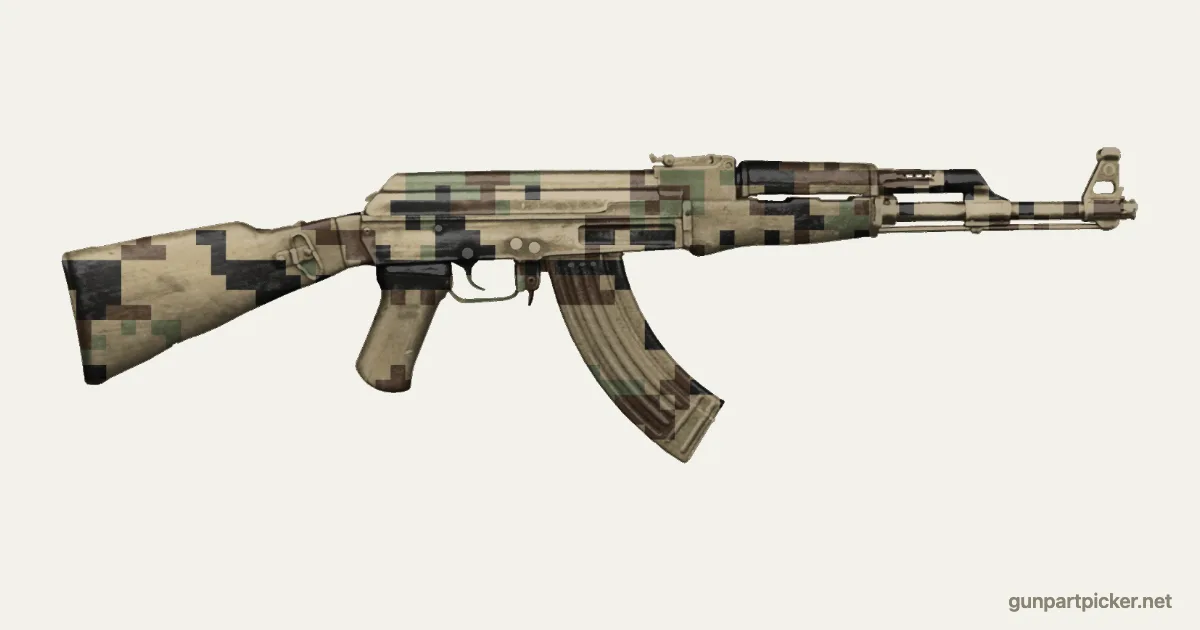
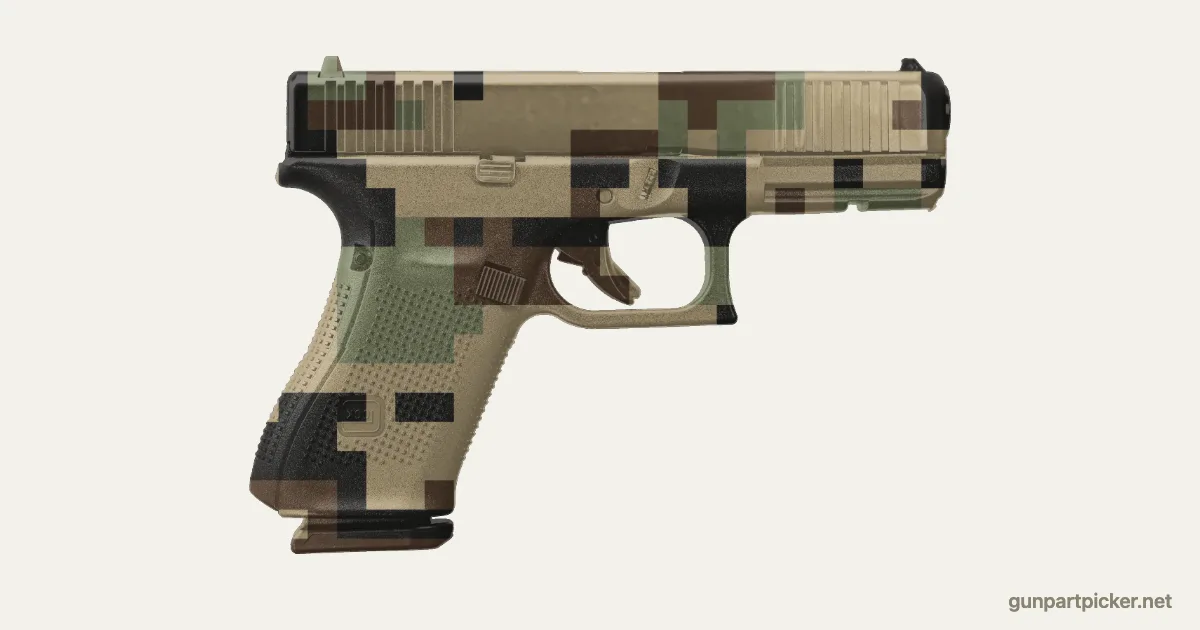
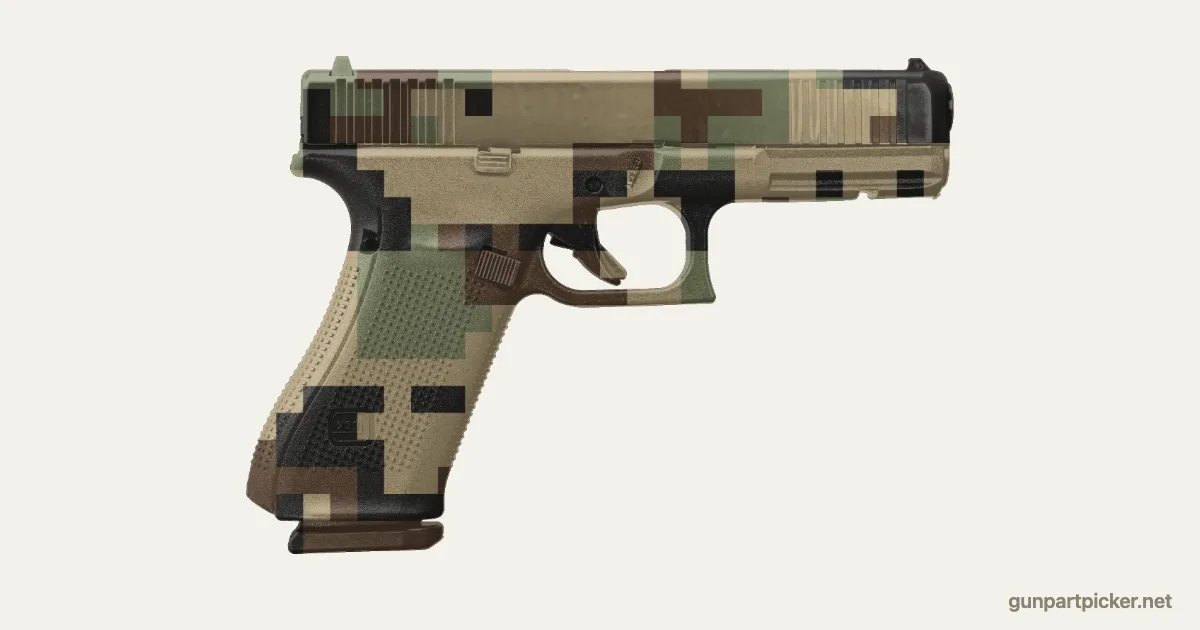
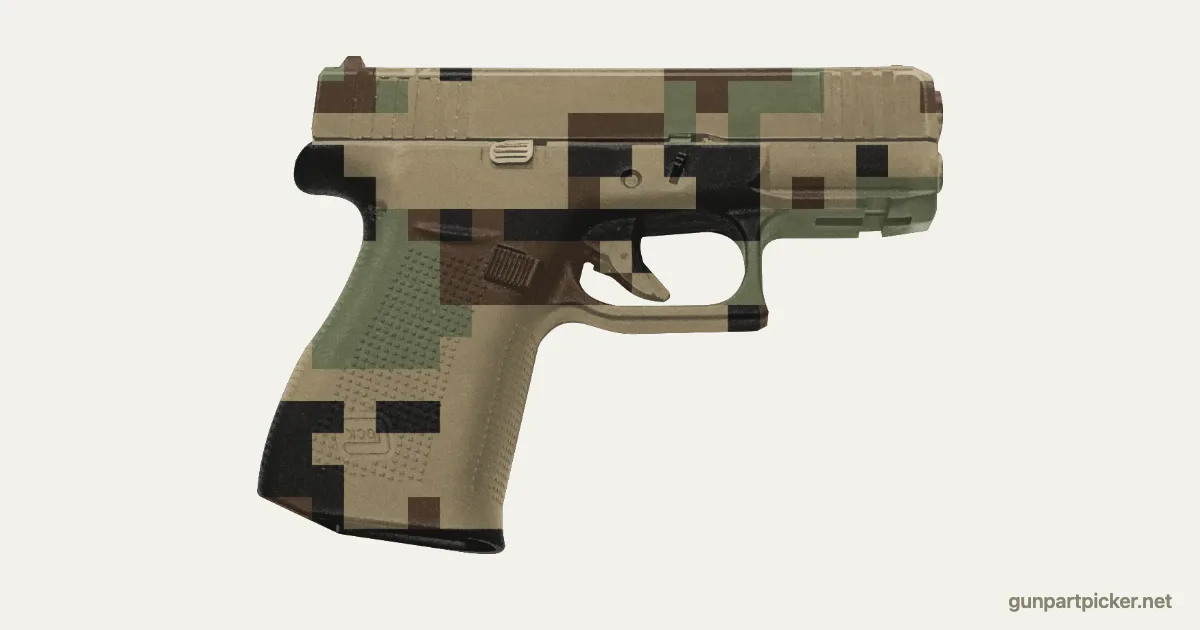
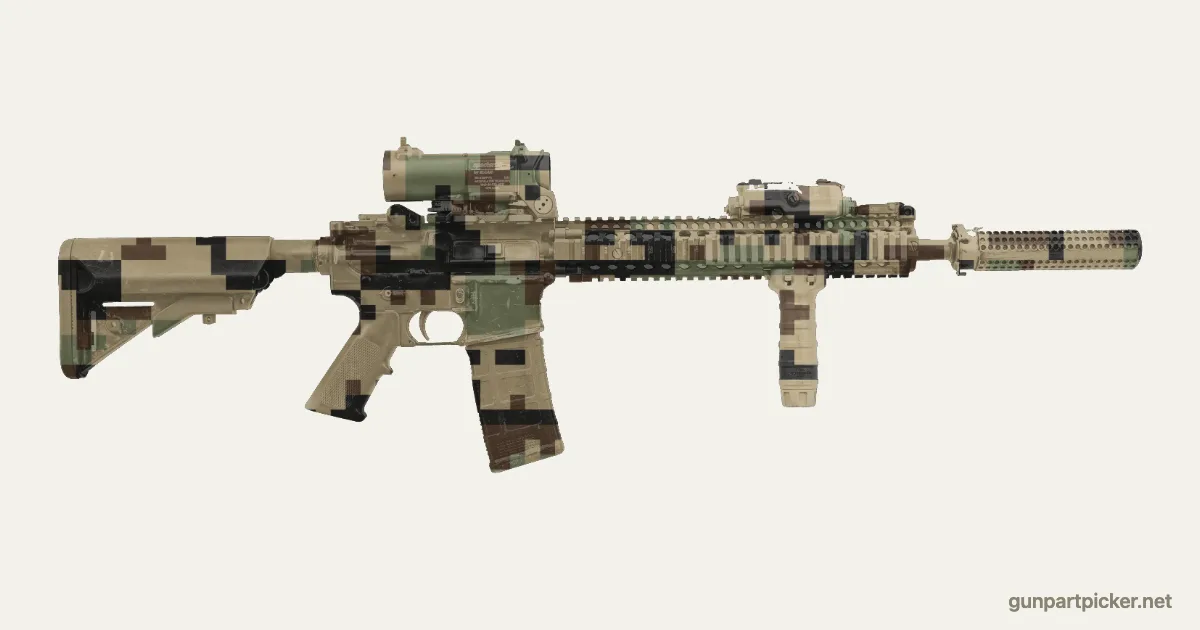
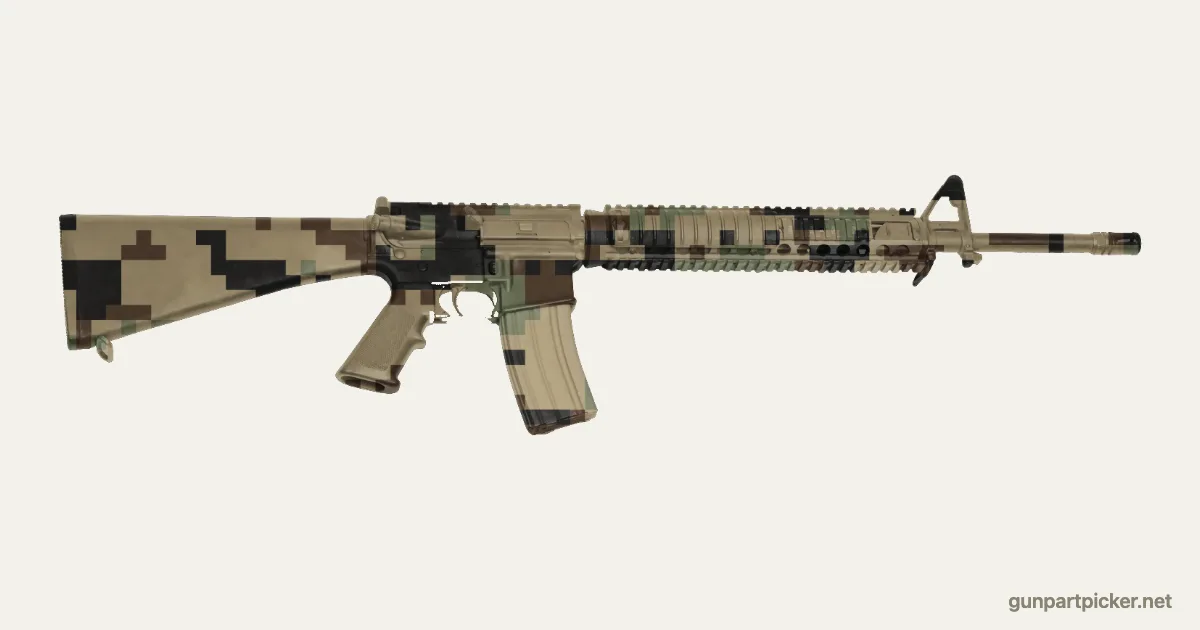
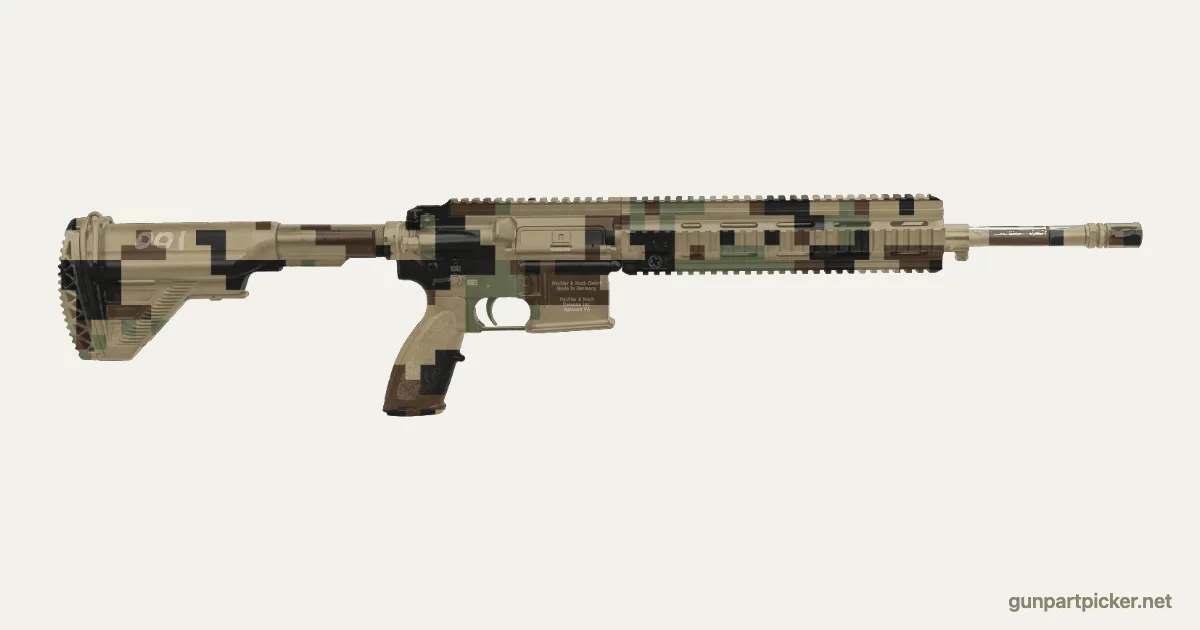
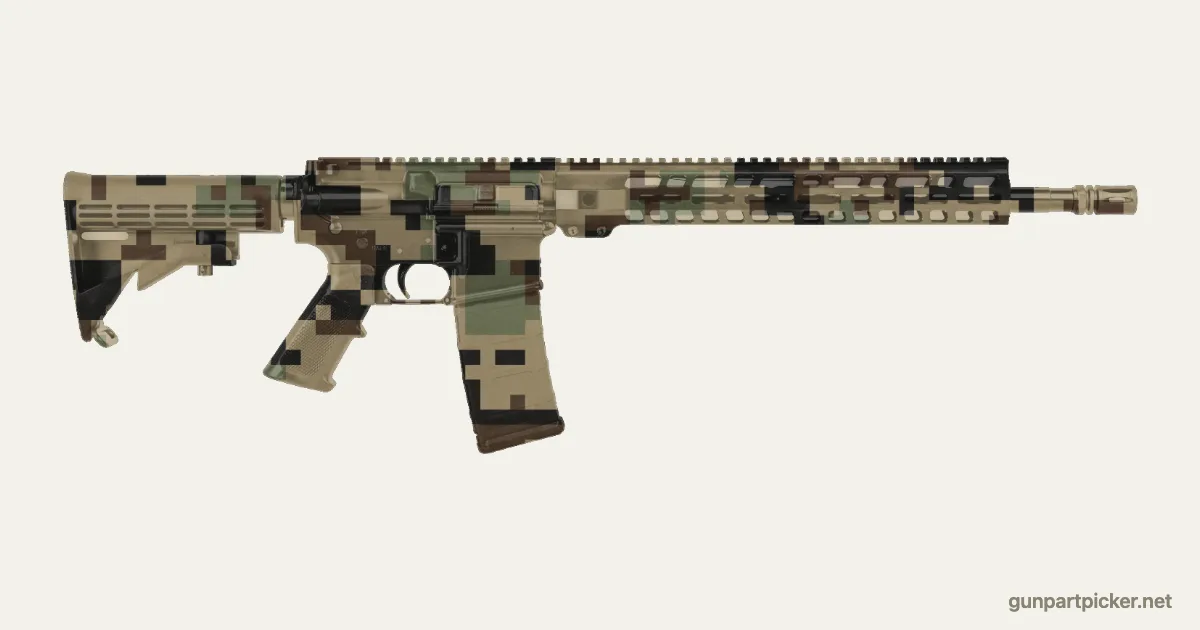
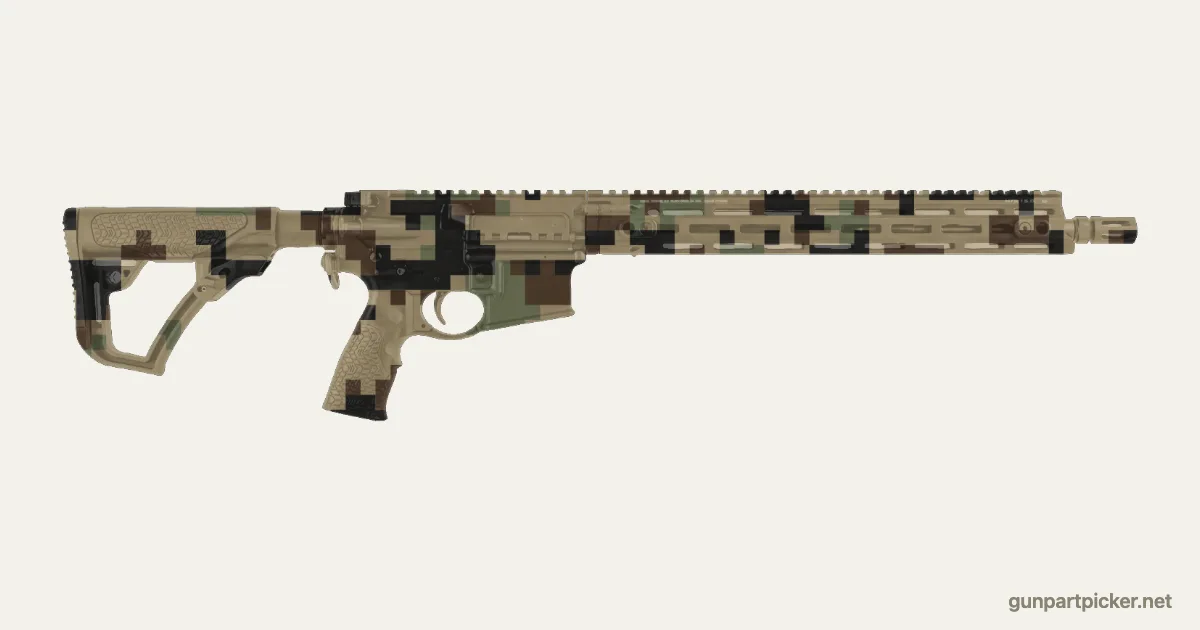
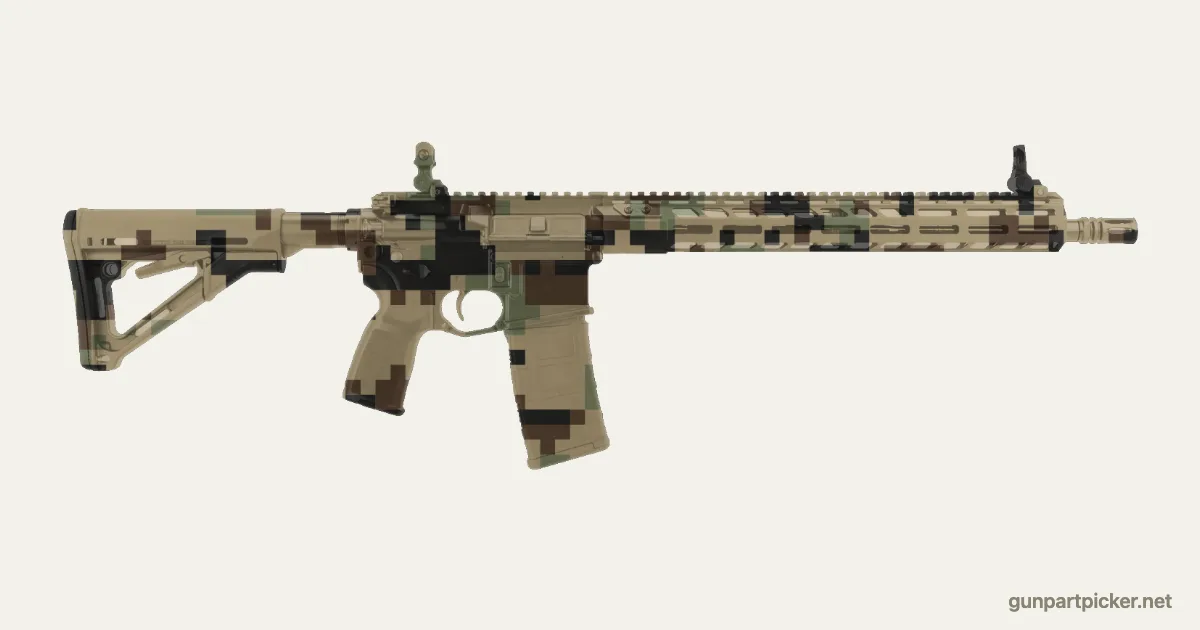
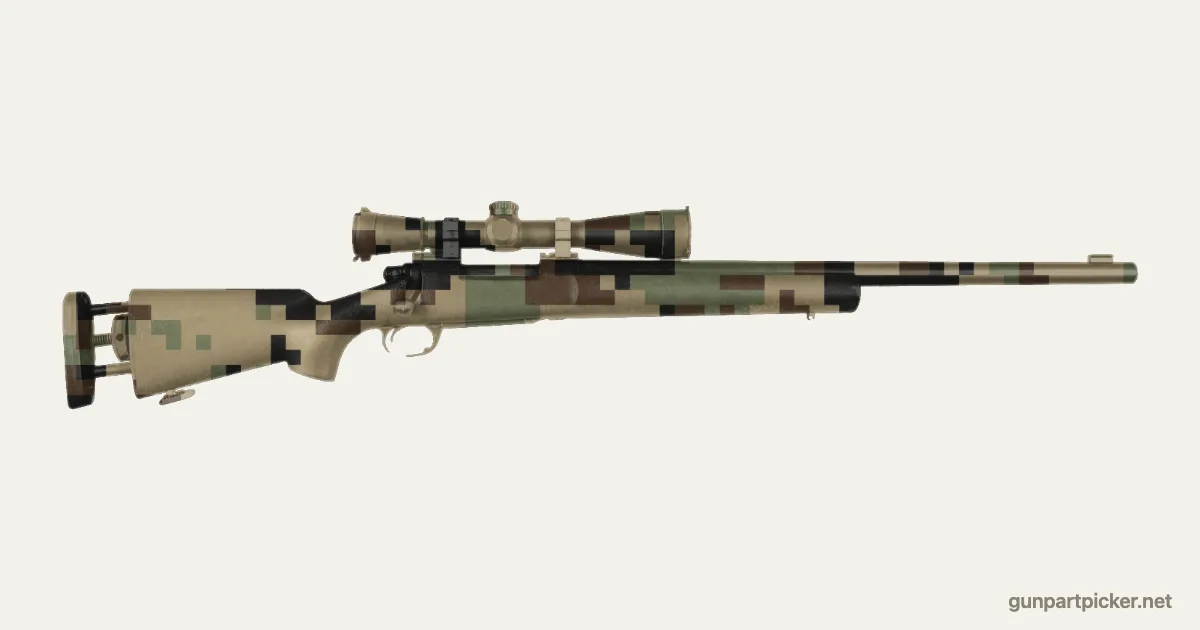
Where digital camo comes from
Timothy O'Neill, an Army officer, painted a pixel pattern called Dual-Tex on an M113 in 1976 with a two inch roller. He called it texture match. It tested at Aberdeen Proving Ground in 1977 and went nowhere for years.
Canada got there first in service. Its CADPAT went on helmet covers in 1996 and became standard Army issue in 2002.
The Marines debuted MARPAT at Camp Lejeune on 17 January 2002, with O'Neill on the design team. Real MARPAT hides a tiny Eagle, Globe and Anchor in the print, and the pattern is patented.
The pixels aren't the magic. Small blocks form a fine texture and clusters of blocks form big shapes, so it works up close and far away. The Army's gray UCP proved pixels can still fail with the wrong colors.
- First pixel camo
- Dual-Tex, Timothy O'Neill, 1976
- Made famous by
- MARPAT, US Marine Corps, 2002
- Colors
- Four in woodland: light green, dark green, coyote, black
- Also
- Canada's CADPAT, the Army's gray UCP
Spray cans for a Digital Woodland paint job
In spray order, lightest first. Either brand works; do not mix them in one job.
Krylon
- 1Camouflage Khaki
- 2Camouflage Woodland Light Green
- 3Camouflage Brown
- 4Camouflage Black
Rust-Oleum
- 1Camouflage Khaki
- 2Camouflage Army Green
- 3Camouflage Earth Brown
- 4Camouflage Black
Painting digital camo on a gun
You need a pixel stencil: a vinyl or plastic sheet with square holes. Spray the khaki base, then each color through the sheet.
Shift and turn the sheet between colors so the blocks don't line up in a grid. A grid reads as a pattern from across the room, and that's the opposite of camo.
We'd cut the stencil from adhesive vinyl so it sticks flat on curves. Loose plastic lifts at the edges and you'll get fuzzy pixels.
How to spray Digital Woodland on a gun
1. Strip it down
On an AR pull the bolt carrier group and split the upper and lower. On an AK take off the dust cover and bolt carrier. On a Glock take the slide off. Remove the optic or plan to tape it.
2. Degrease everything
Wipe every outside surface with acetone or isopropyl alcohol. Paint will not hold over gun oil.
3. Mask what moves
Plug the chamber and muzzle, tape the ejection port, magazine well, trigger and safety, and cover the optic lenses.
4. Base coat in khaki
Two light coats over the whole gun, 8 to 12 inches away, 10 minutes apart.
5. Lay the digital woodland pattern
Pixel blocks sprayed through a digital sheet. Spray woodland light green, then brown, then black, light to dark, letting each color flash off before the next.
6. Let it cure
Handle it after an hour but give it a full day before it goes in a case, and a few days before hard use.
More rattle can camo patterns
Frequently Asked Questions
Is this MARPAT?
No. MARPAT is a patented Marine Corps pattern. This is a generic digital woodland look done with a pixel stencil and spray cans.
Who invented digital camo?
Army officer Timothy O'Neill made the first pixel pattern, Dual-Tex, in 1976. Canada's CADPAT was the first in standard service, and the Marines' MARPAT made it famous in 2002.
What spray paint do you need for a Digital Woodland paint job?
4 cans of Krylon, sprayed in this order: Khaki, Woodland Light Green, Brown, Black. Rust-Oleum has a match for every color.
Can you paint Digital Woodland camo on a real gun?
Yes. Strip and degrease the gun, mask the bore, chamber and anything that moves, lay the lightest color first and build the look light to dark with tape and stencils. Plan on an afternoon plus a day to cure.
Cite this tool: GunPartPicker, “Rattle Can Digital Woodland: History, Colors and Paint Jobs on Real Guns”, https://gunpartpicker.net/gun-paint-planner/camo/digital-woodland. Paint colors from the Krylon and Rust-Oleum color charts; gun photos credited on each gun's page. Free to cite with attribution.
Read next
All guides →
More Gun Tools
- PlanningAR Build Cost CalculatorHow much does it cost to build an AR-15? Pick caliber, barrel length, stock or brace and optic, then drag both edges of the price band from the cheap end to the top end. Every slot fills with the part builders add most that is in stock, priced live. The headline total is the core rifle, optics and extras are priced separately, and beside them sits what builders really pay per slot, measured from real part picks. Roll a random build, or open yours in the builder in one click. Computed from over 1 million AR parts selected on GunPartPicker since 2020.
- CompatibilityGlock Size ComparisonPick any two Glocks and see them to scale as real photos sized to Glock's published dimensions, side by side, from behind and as an X-ray, with the difference in length, height, width and weight in one line and the pistols in stock for each.
- LegalGun Travel CheckerCan I bring my gun to another state? Pick where you start, where you are going and what is coming along: carry pistol, AR-15, magazines, suppressor, SBR, brace, forced reset or binary trigger, hollow points. Every state on the route is checked for transporting firearms across state lines: magazine limits, assault weapon bans, NFA rules, carry permit type and trigger bans, with what to do before the state line.
- CompatibilityMuzzle Thread CheckerPick your barrel's caliber and platform, get the standard thread pitch, and see every muzzle device and suppressor in the catalog that actually threads on, with live prices.
- CompatibilityFRT and Binary Trigger PickerChoose your platform and see every forced reset trigger, binary trigger and Super Safety the catalog carries for it, what the host needs to run one, and where each is in stock.
- CompatibilityGlock Red Dot Fit CheckerPick how your Glock slide is cut and see which red dots mount directly, which need a plate, and the plates and optics in stock right now.
- CompatibilityP385 Size ComparisonSee the SIG P385 CARRY, COMP and FULL to scale against the P365-XMACRO, the P320 and the Glock 19, 17, 45 and 43X, as real photos sized to the published length and height, with every dimension and where to order one.
- TuningTwist Rate CalculatorPick a bullet and a twist rate, get the Miller stability factor, then see barrels with that twist and ammo loaded with that bullet, with today's price per round.
- TuningBuffer Weight CalculatorEnter your gas system, barrel length, buffer tube and ammo, add a suppressor or a fast trigger, and get the buffer weight to start with plus the buffers in stock that match.
- LegalBarrel and Overall Length CheckerEnter barrel length, muzzle device and how the back end is configured, and see whether the build is a rifle, a short barreled rifle, a pistol or an AOW under federal law, with the barrels in stock at that length.
- LegalSBR Planner (3D)Set the barrel anywhere from 7.5 to 16 inches, put a stock, a brace or a folder on the back, pin a muzzle device or slide on a can. The ruler under the rifle shows whether you've cleared the 16 inch barrel line and the 26 inch overall line. Pick your state for its SBR, suppressor and assault weapon rules, then price every part and open the build in one click.
- PlanningNight VisionLook around a real 360 degree scene through Gen 1, Gen 2+, Gen 3 green and white phosphor tubes, digital night vision and thermal. Turn the moon down from full to overcast, switch on an IR light, compare two devices side by side. Or walk a 3D farm at night and spot the people, hogs and deer hiding in it. Then see the PVS-14, PVS-31, GPNVG-18 and the thermal scopes people buy, with prices.